
Native from the start.
A focused Mac workspace for conversations, designs, and project files.
Design hardware with AI. Right on your Mac.
Describe what you have in mind, work through the details, and take the next step with your files.
Design a compact desktop robot arm with a rounded base and a two-finger gripper.
In your own wordsStart with what it should do and the constraints that matter.
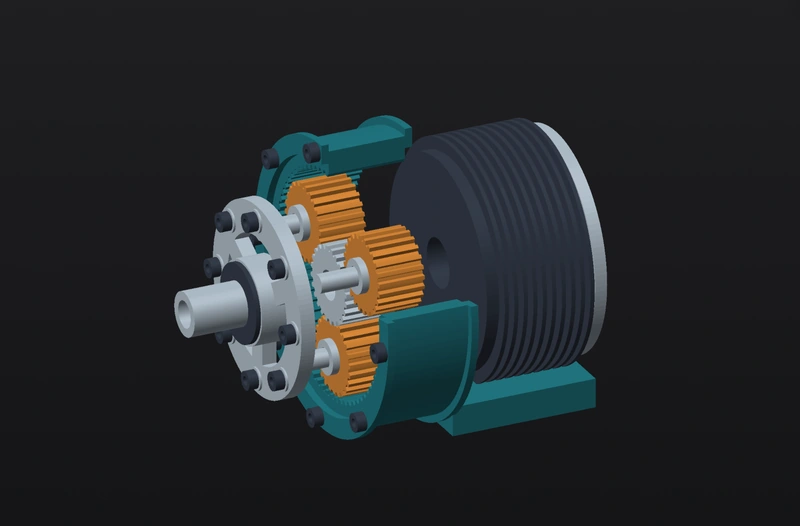
Inspect the model and review changes alongside the conversation.
Save your project locally and export your work to your next tool.
Move between the different parts of your build without losing the context.
Explore placement, copper, and layers together. Keep the design and its review evidence close at hand.
The same project. A different perspective.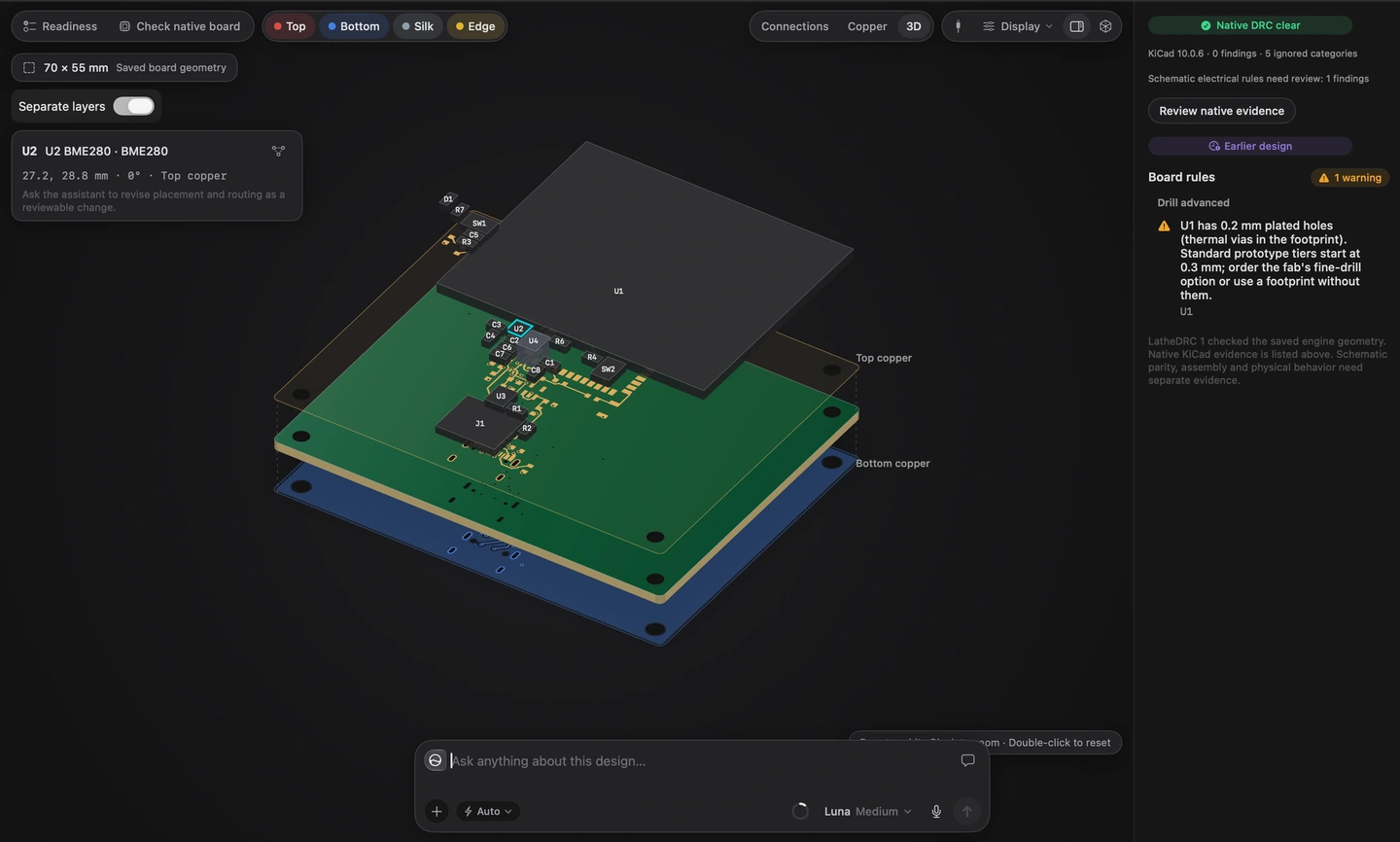
Temperature sensor · PCB workspace
A focused Mac workspace for conversations, designs, and project files.
Save locally on your Mac. AI uses relevant project context when you ask for help.
About your dataTake models, schematics, parts lists, and source files into the rest of your workflow.
Explore exportsLathe for Mac is coming soon. Join the waitlist and we’ll let you know when it’s ready.
Your project files are saved locally on your Mac. AI features may send relevant project context to the assistant service.
Absolutely. Take your work from Lathe into the tools you already love. Export 3D parts as STEP, STL, or 3MF; schematics as editable KiCad files, SVGs, and connectivity netlists; plus CSV parts lists and firmware source files. From CAD to circuits to code, your next step stays open. Explore exports.
The planned Free tier includes the design workspace and a limited AI allowance. Plus and Pro add more capacity. See plan previews.